How to Track Field Employees Attendance
Field reps, technicians and site workers rarely start at the office. Here is a simple way to track their attendance.
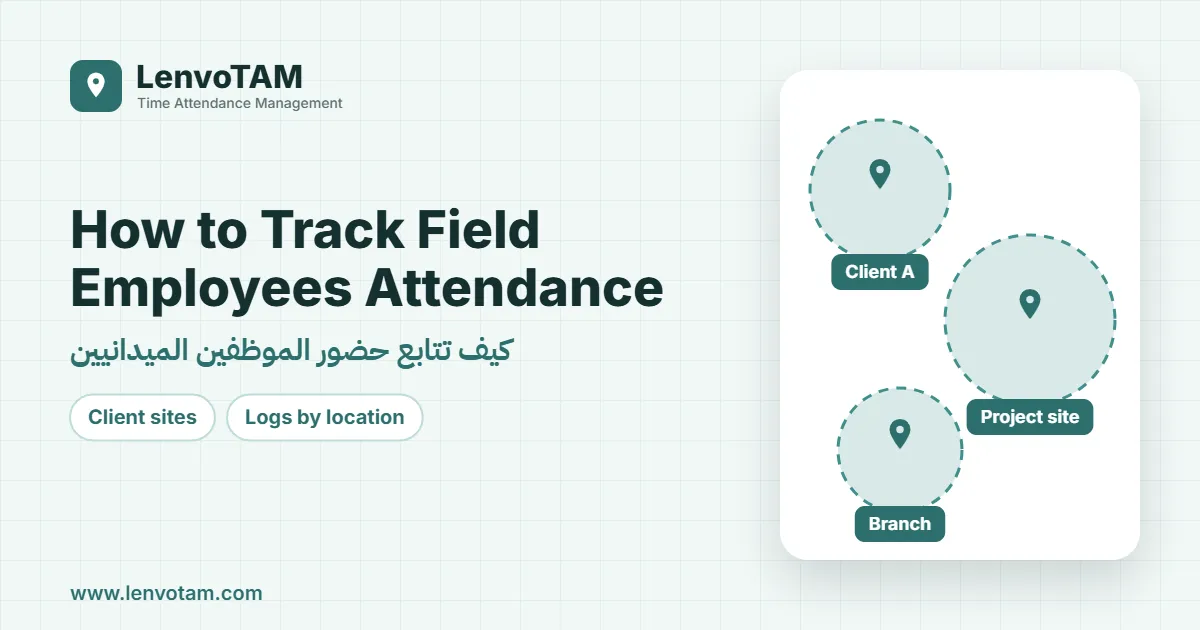
Sales reps, service technicians and site workers spend their day at client sites and projects, not at the office door. Fingerprint devices do not reach them, and calling each one every morning does not scale. A GPS attendance app solves this when it is set up the right way.
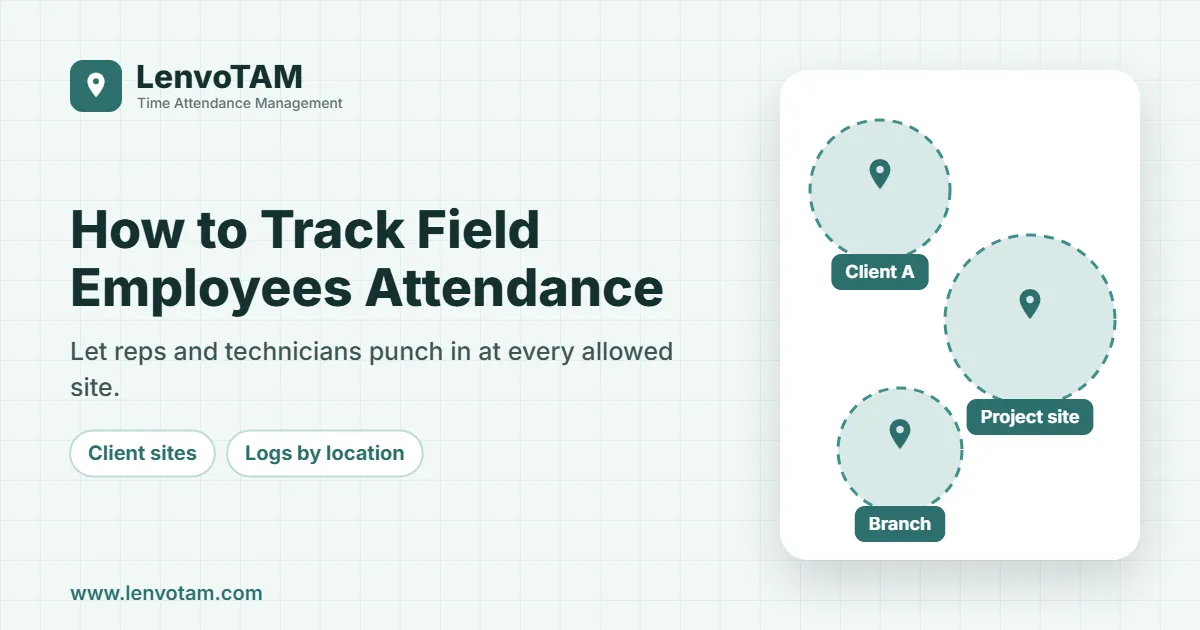
Step 1: List every place your team works
Write down client sites, project sites, branches and warehouses. Each one becomes an allowed location with a pin and a radius.
Step 2: Decide the punch rules
- Punch In on arrival and Out on leaving each site
- Use Break out and work leave for breaks and errands
- Agree on a radius for each type of site
Step 3: Install the app on every phone
Employees install the app on iPhone or Android and sign in with the details sent by SMS. See mobile app download.
Step 4: Review logs by location
Each day, check who punched where and when. Late and absent reports show problems early, and exports to Excel make month-end payroll faster.
Tip: Remove a project location when the project ends, so old sites do not stay open for punches.
What to avoid
- Apps that allow punches anywhere, without geofencing
- Apps that do not detect fake GPS
- Free plans with a small employee limit
LenvoTAM covers all of this for free, for unlimited employees and locations. Read the full field sales teams and construction sites use cases.
Frequently asked questions
Can one employee punch at different sites in a day?
Yes. Each punch is checked against the allowed locations, and logs by location show every site.
Do field employees need a special phone?
No. Any iPhone or Android phone with GPS works.
Track your field team for free. Register now.