How to Stop Fake GPS Attendance
Fake GPS apps let employees punch in from anywhere. Here is how geofencing and fake GPS detection stop it.
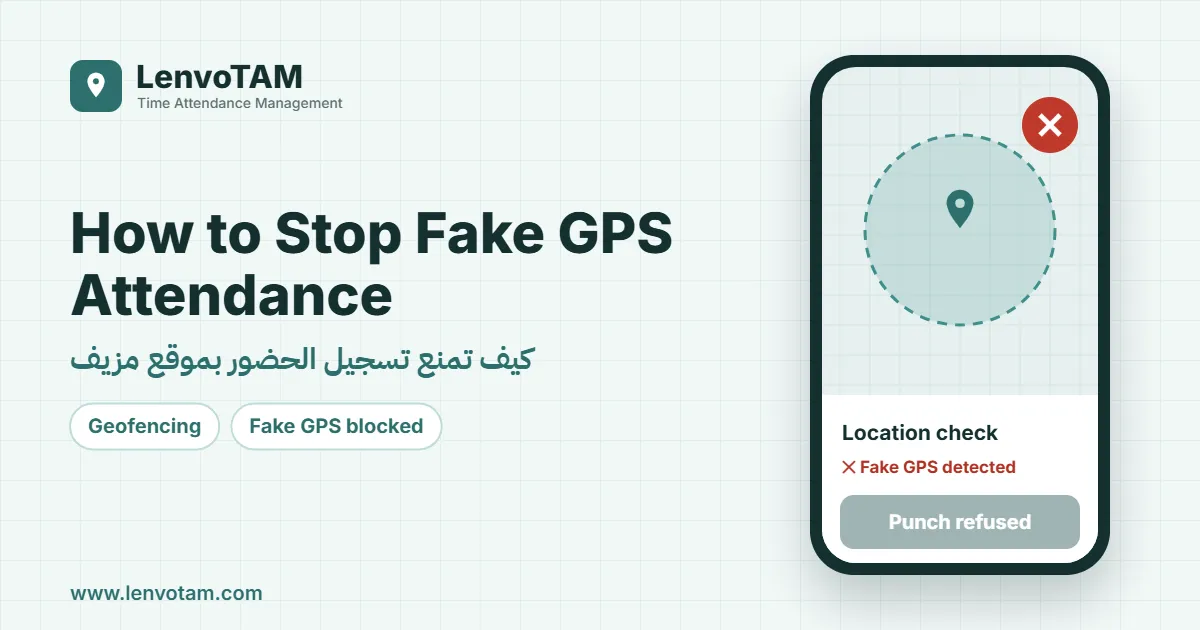
Mobile attendance is only as good as the location behind each punch. Fake GPS apps, sometimes called mock location apps, let a phone report any place on the map. Without protection, an employee can punch in from home and look like they are at the office.
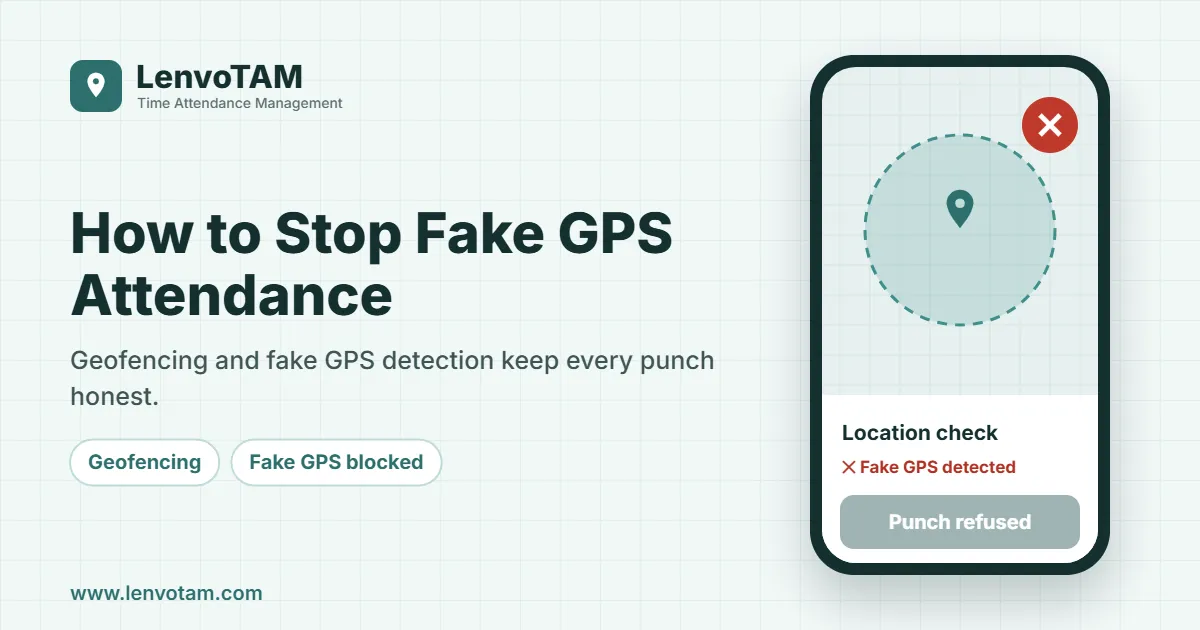
How fake GPS works
On Android, a user can turn on developer options and pick an app that sets a mock location. Other tricks include rooted phones and apps that clone the attendance app. The phone then sends a location the employee chose, not the real one.
Four ways to stop it
- Detect mock locations. The attendance app should check whether the location comes from a fake GPS app and refuse the punch.
- Use geofencing. Accept punches only inside a pin and radius for each work location, so a random location fails.
- Keep logs by location. A report of every punch with its location makes patterns easy to spot.
- Set the right radius. Keep it tight for offices and wider for large sites, so honest employees are never blocked.
Tip: Tell your team the app blocks fake GPS. Most attempts stop once people know they will be refused.
How LenvoTAM handles it
LenvoTAM detects fake GPS apps and spoofed locations and refuses those punches. Punches outside the allowed area are refused too, and every punch is saved with its location. It is part of the free features, for unlimited employees.
Frequently asked questions
Can employees still punch from home?
Only if you add their home as an allowed location, for example for remote staff.
Is fake GPS protection free?
Yes. It is included in LenvoTAM free attendance.
Protect every punch. Register for free or read the FAQ.